 NanoNear
 Nano CRM
 NanoSign
 Nano Work
 Nano POS
 Nano Marketing
Here is how signing a contract used to go for a lot of small businesses. Print it. Sign it. Scan it. Email it back. Wait. Notice a page was missing. Do it all again. Two days gone for something that should take two minutes.
Why paper stuck around so long
For years, a wet signature on paper was the only thing both sides fully trusted. It felt solid. The trouble is that a scanned signature is actually weak proof. Anyone can copy an image of a signature onto a document. What makes a signature trustworthy is the record around it, and paper was never good at keeping that record.
The flow, start to finish
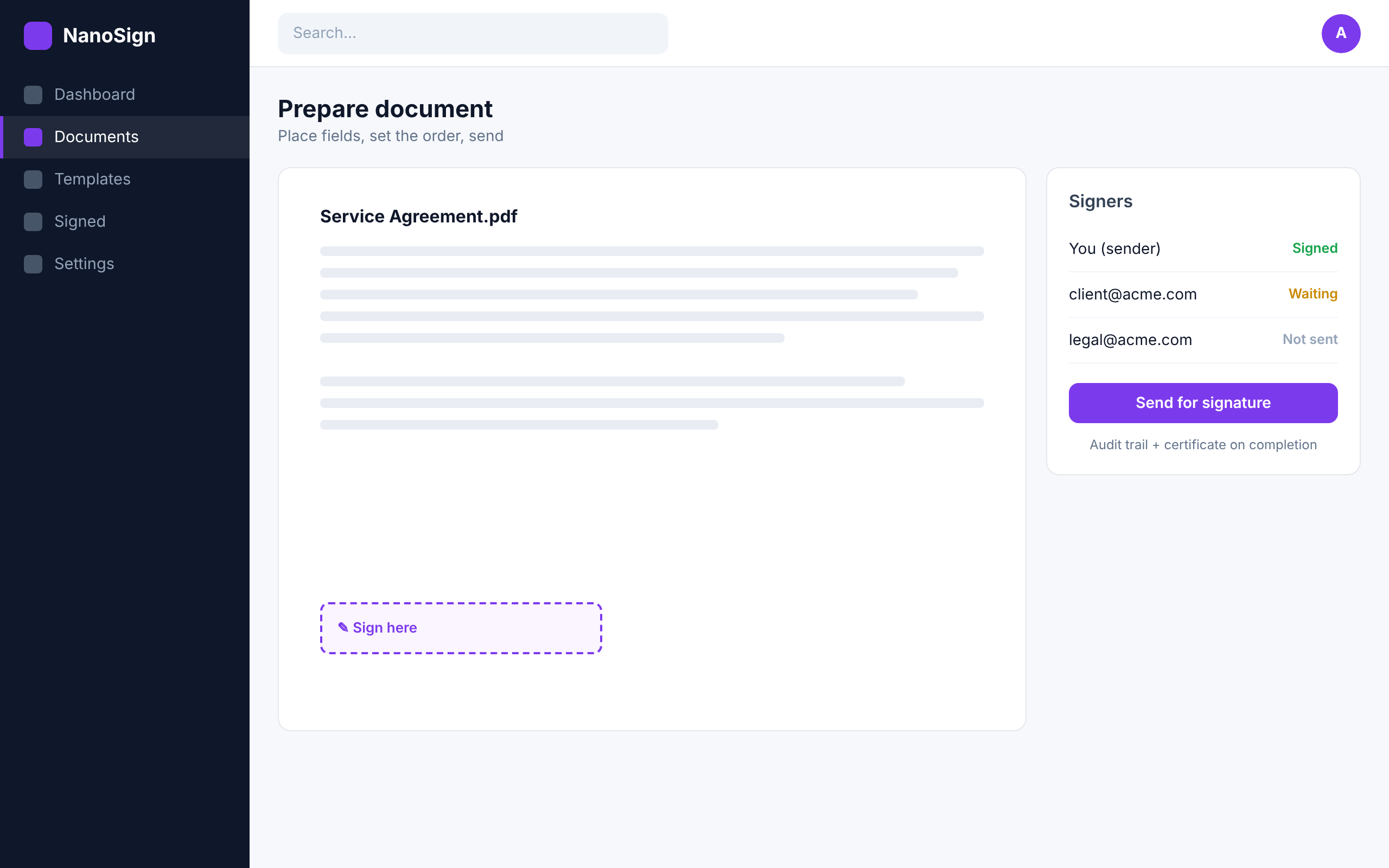
With NanoSign you upload the document, drop the signature fields where they belong, and send it. If two people need to sign in a set order, you choose that order and each person is asked in turn. You can watch every step as it happens instead of guessing whether it landed in a spam folder somewhere.
What an audit trail actually contains
When everyone has signed, you get the finished file with an audit trail and a completion certificate. That record shows who signed, when they signed, and from where. If a signature is ever questioned, that trail is what answers the question. It is far stronger proof than a scan, and you never touched a printer to get it.
Where people use it
A quote that needs a yes before work starts. An NDA before a first meeting. A contractor agreement. A rental or a renewal. Anywhere you were chasing a signature by email, you can send it once and let the tool do the chasing.
On security
Word and PDF both work, so you do not have to convert anything first. The signed copy and its certificate stay with you, tied to the exact document everyone agreed to. If chasing signatures has been eating your week, NanoSign gives that week back and leaves you with better proof than paper ever did.